

Mobile App · iOS & Android

Your field team. Connected.

Inspect assets, review findings, manage work orders and follow fleet activity from the geoROAD.ai mobile app.

Download on the App StoreGet it on Google Play

Core field workflows are available on iOS and Android. PotholeScan capture requires a supported LiDAR iPhone. Phone patrol is iOS-only and requires an enabled organization and an approved patrol build.

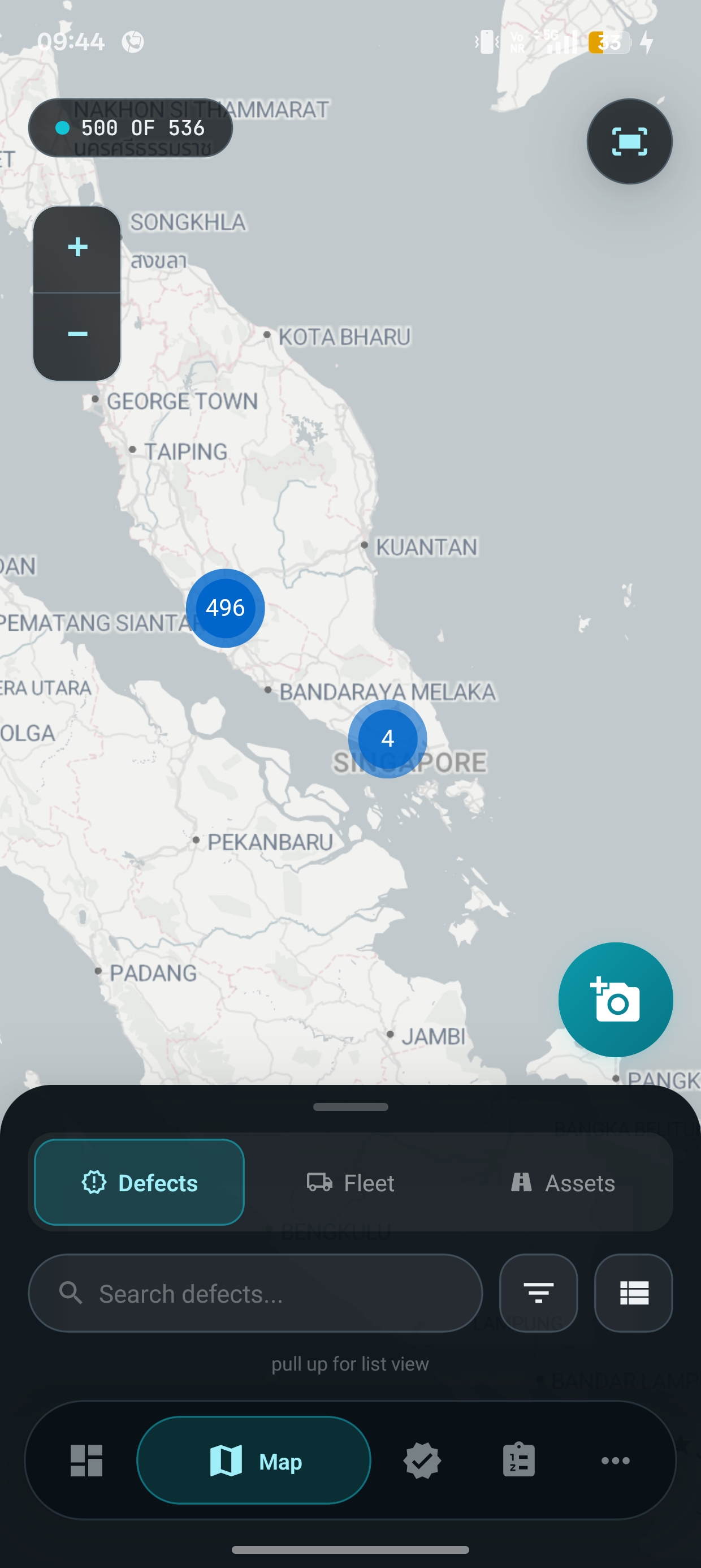
Map View

App Preview

Map View

Automatic location capture for accurate defect positioning and navigation.

02 / 10

Key Features

Choose your way onto the road.

Explore the platform
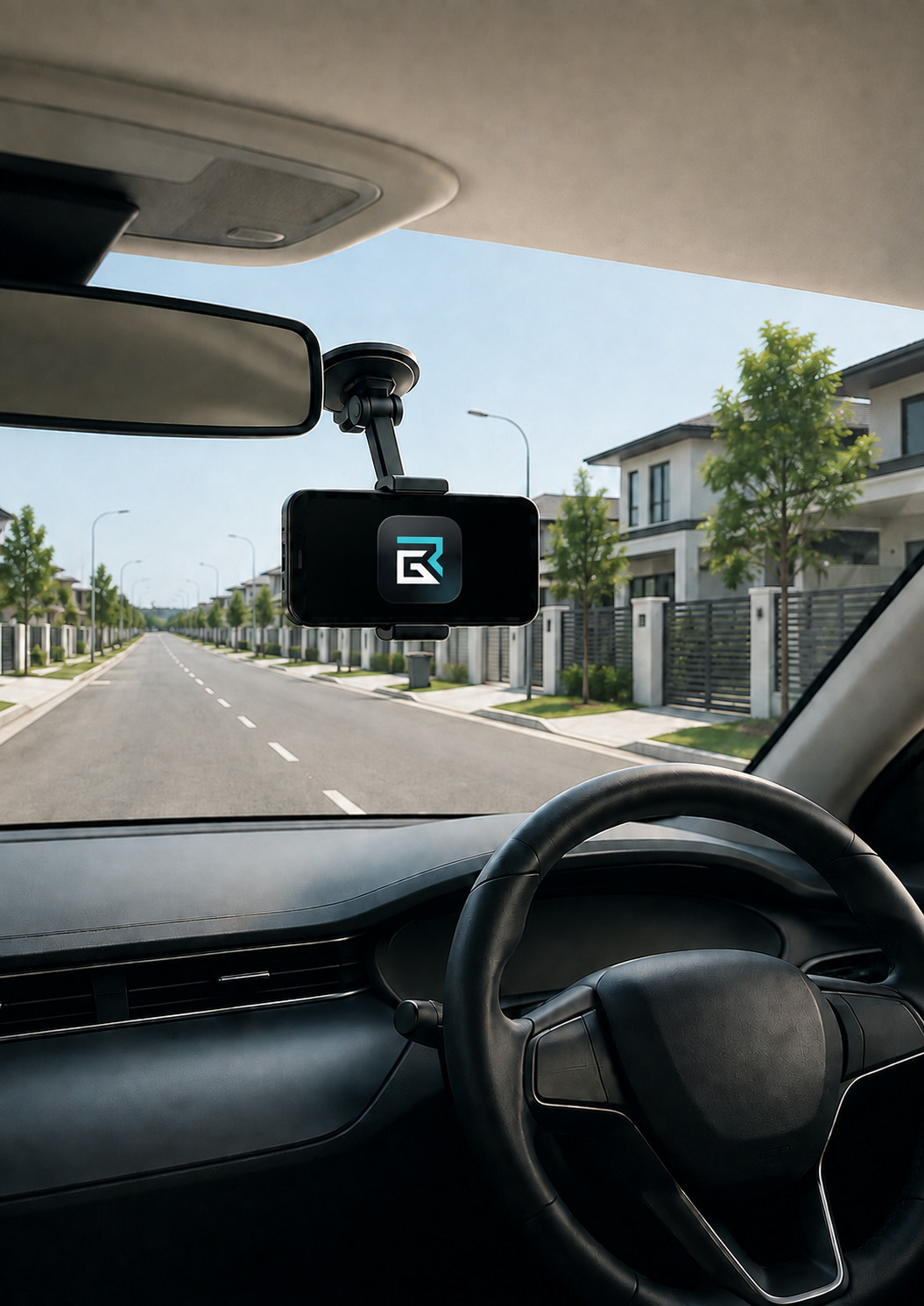
Landscape-mounted phone inside a car, detecting a pothole on the road ahead.

geoROAD.ai mobile patrol · iOS

Phone patrol · car

Designed for low-speed patrols with an approved iPhone mounted on the windscreen. Detect potholes on-device and queue evidence for upload.

Setup details

Low-speed operation · Secure landscape mount · daylight capture · GPS and camera checks · organization-enabled patrol access
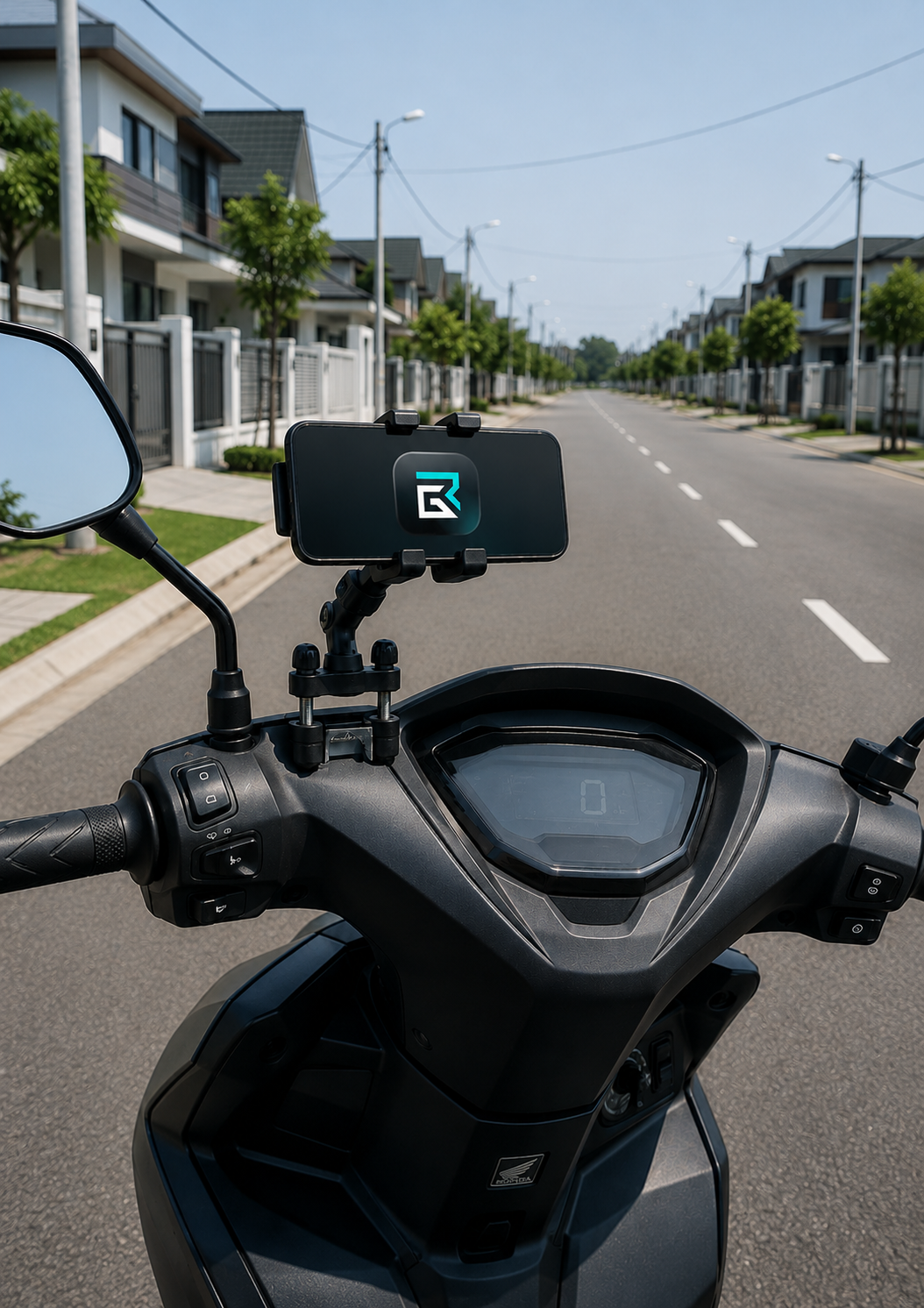

Motorcycle with a handlebar-mounted phone scanning the road ahead.

geoROAD.ai mobile patrol · iOS

Phone patrol · bike

Designed for low-speed motorcycle patrols with a securely mounted phone. Record pothole evidence and sync it to geoROAD.ai.

Setup details

Low-speed operation · Secure landscape mount · mount-angle and speed guidance · offline evidence queue · foreground capture

POTHOLESCAN × geoROAD.ai

Close the loop. Keep the evidence.

Cloud estimates help you plan. PotholeScan gives field teams a separate LiDAR measurement workflow tied to the repair.

AS FOUND

Pothole dimensions, depth and volume, with a photo and available 3D scan.

AS BUILT

Repair-patch length, width and area, with photographic evidence.

PotholeScan capture requires a supported LiDAR-equipped iPhone and enabled access. Patch scans do not report cavity depth or volume.

System Requirements

Before You Install

Use the store listing for current device requirements. Patrol and LiDAR scanning have additional device and access requirements.

  • GPS / Location services enabled
  • Camera access for photo uploads

Phone patrol queues evidence during connection loss and uploads when access and connectivity allow. Capture runs with the app open; offline support varies by workflow.

Mobile patrol currently captures unblurred imagery. On-device face and plate masking is not yet available.

Installation Guide

How to Install

  1. Open your app store

    Tap the App Store button (iPhone) or Google Play button (Android) above.

  2. Or search "geoROAD.ai"

    Find the official geoROAD.ai app published by OFO Tech and tap Install.

  3. Install & open

    The store handles the download and updates automatically — no manual setup needed.

  4. Login & start

    Launch the app and login with your geoROAD.ai credentials to get started.

Ready to Get Started?

Download the geoROAD.ai mobile app now and take your road management to the next level.

Download on the App StoreGet it on Google Play